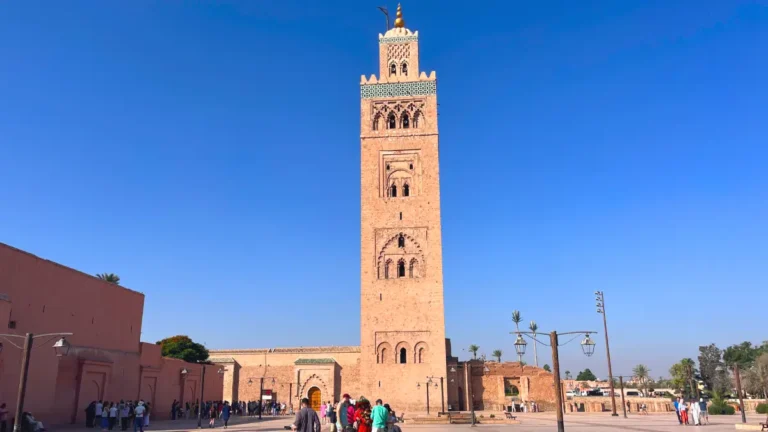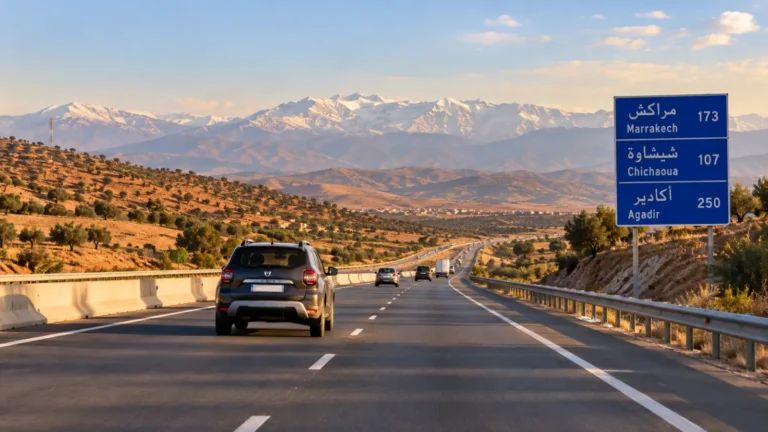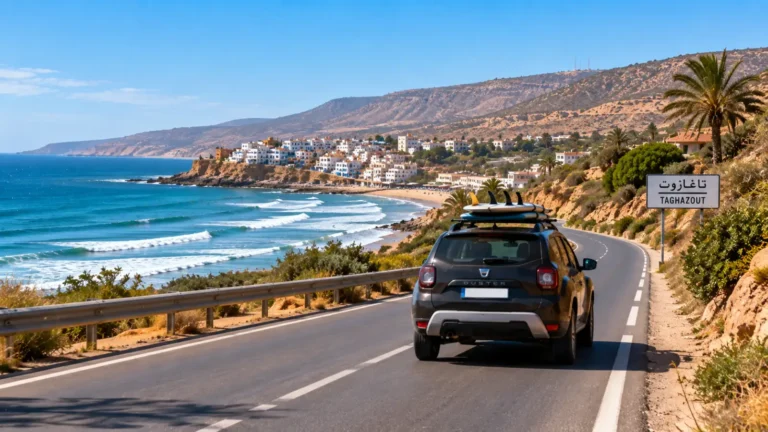

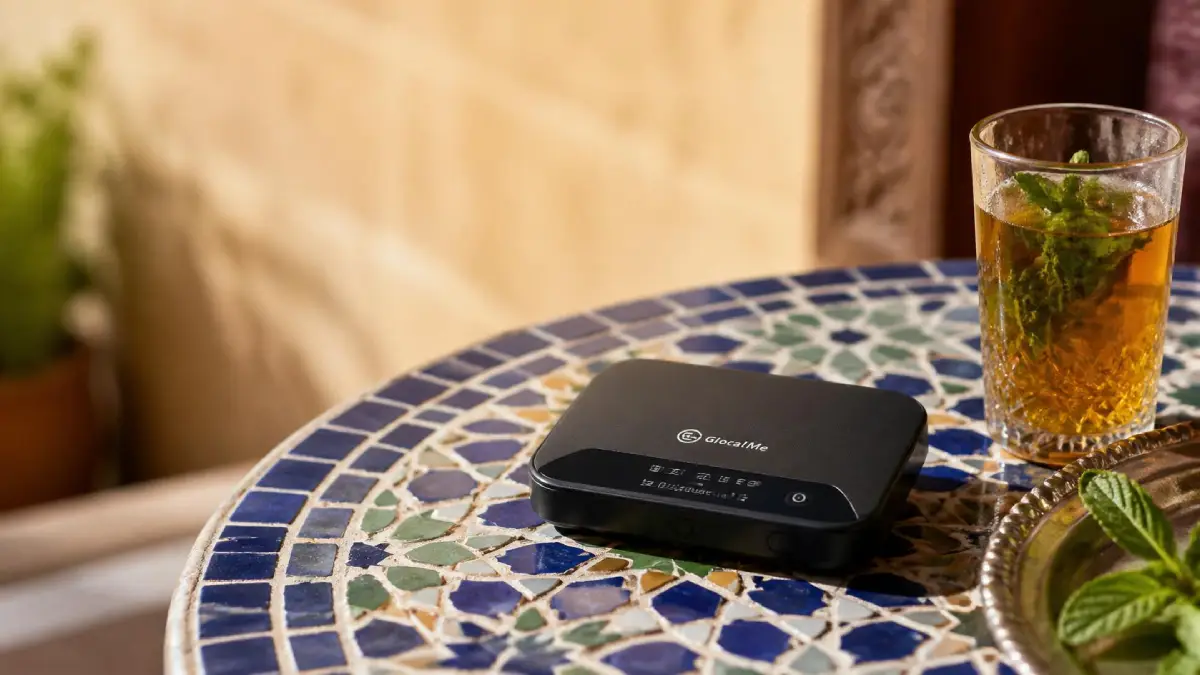
Traveling across Morocco’s winding medinas, desert landscapes and coastal towns is an unforgettable experience, but staying connected can make navigation, communication and trip planning much easier. Whether you need Google Maps, want to work remotely, or are sharing one connection across several devices, a portable Wi-Fi hotspot or travel router can be a practical option.
If you are looking for pocket WiFi in Morocco, the best choice depends on how you travel. A simple unlocked 4G hotspot with a compatible Moroccan SIM is enough for many visitors, while remote workers, families and travelers connecting several devices may benefit from a more capable router.
In this guide, I’ll compare several travel routers for Morocco in 2026, explain how they work with Moroccan mobile networks, and show you how to pair them with a local SIM or international data service. You’ll also learn what to check before buying so you can choose a setup that fits your route and travel style.
Table of Contents
Table of Contents
When a Dedicated Travel Router Makes Sense
Consistent Signal Across Devices
Most smartphones can share their mobile data through a personal hotspot, but a dedicated travel router is designed specifically to share one mobile connection across multiple devices for extended periods.
This can be useful for couples, families and remote workers who want to connect several phones, tablets or laptops without relying on one person’s phone as the hotspot. Actual connection quality will still depend on the router model, mobile network, coverage and signal conditions where you are staying.
Preserve Your Phone’s Battery
A dedicated travel router can help preserve your phone’s battery because the router handles the mobile-data connection and Wi-Fi sharing instead of your phone running as a hotspot for long periods.
Battery life varies considerably by router model, network conditions, signal strength and the number of connected devices. Some portable hotspots are designed to last through a normal travel day, while others offer larger batteries or require a permanent power connection. Check the manufacturer’s stated battery life for the exact model you are considering.
Easy SIM Flexibility
An unlocked travel router gives you the flexibility to use a compatible Moroccan SIM from Maroc Telecom, Orange or inwi. If your route changes or one operator performs poorly where you are staying, you can change the SIM rather than being tied to your phone’s home carrier.
Standard single-SIM routers do not automatically switch between Moroccan operators. Automatic multi-network switching is mainly available with certain Cloud SIM or international hotspot services.
Security and Privacy
Using a travel router with its own mobile-data connection means you do not have to rely on public Wi-Fi every time you need to get online. Protect the router’s Wi-Fi network with WPA3 or WPA2 where supported, use a strong unique password, and change the default administrator password if the device allows it.
If you need a VPN for work or another service, check that your router is compatible with the VPN setup you use. A router that supports VPN pass-through allows VPN traffic from your connected device, but that feature does not create or provide a VPN connection by itself.
Pocket WiFi Morocco: How Mobile Wi-Fi Works in 2026
Morocco has three national mobile operators: Maroc Telecom, Orange Morocco and inwi. All three operate 4G networks, and commercial 5G services launched in Morocco in November 2025. 5G coverage is expanding, but availability still depends on the operator and your exact location, so travelers should not assume they will have 5G throughout their trip.
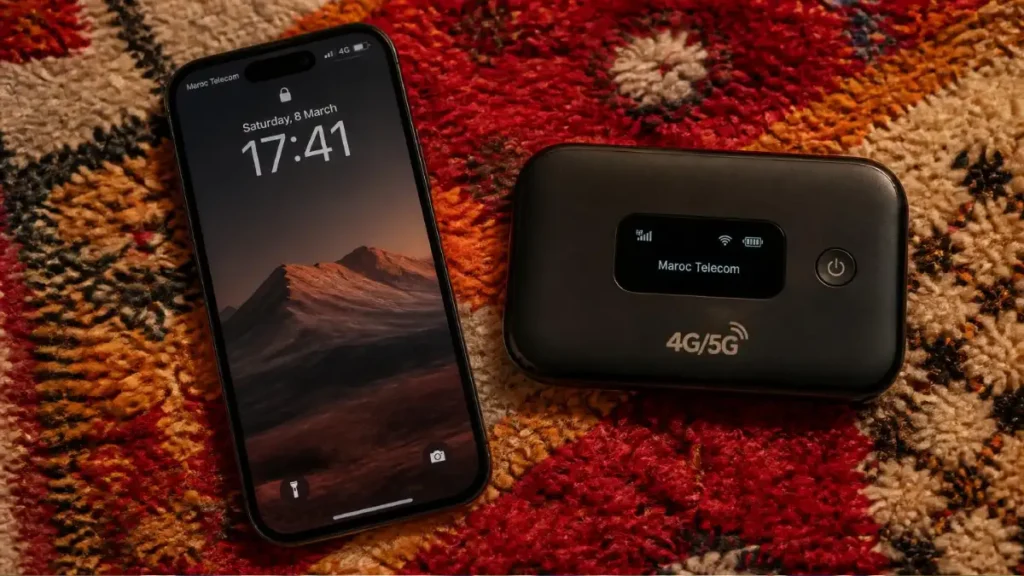
A travel router does not create internet access by itself. It needs either a compatible Moroccan SIM card or a built-in international data service such as a Cloud SIM.
If you plan to use a Moroccan prepaid SIM, the most important thing is to buy an unlocked router that supports the mobile frequencies used by the operator and region where you will travel.
Do not assume that every international 4G or 5G router will work perfectly in Morocco. The exact supported bands can vary by model number and regional version, even when two devices have the same product name.
Before buying a router:
- Check the exact model number and regional version.
- Confirm that it is SIM-unlocked.
- Check its supported 4G and 5G bands against the Moroccan operator you intend to use.
- Remember that 5G coverage is not universal, so the router should also support 4G LTE.
- For routes through the Atlas Mountains, Sahara or other remote areas, expect coverage to vary considerably by location.
For most travelers, a good unlocked 4G router is still enough for maps, messaging, browsing and normal travel use. A 5G router makes more sense if you need higher mobile-data speeds and expect to spend significant time in areas where 5G coverage is available.
5 Travel Routers to Consider for Morocco in 2026
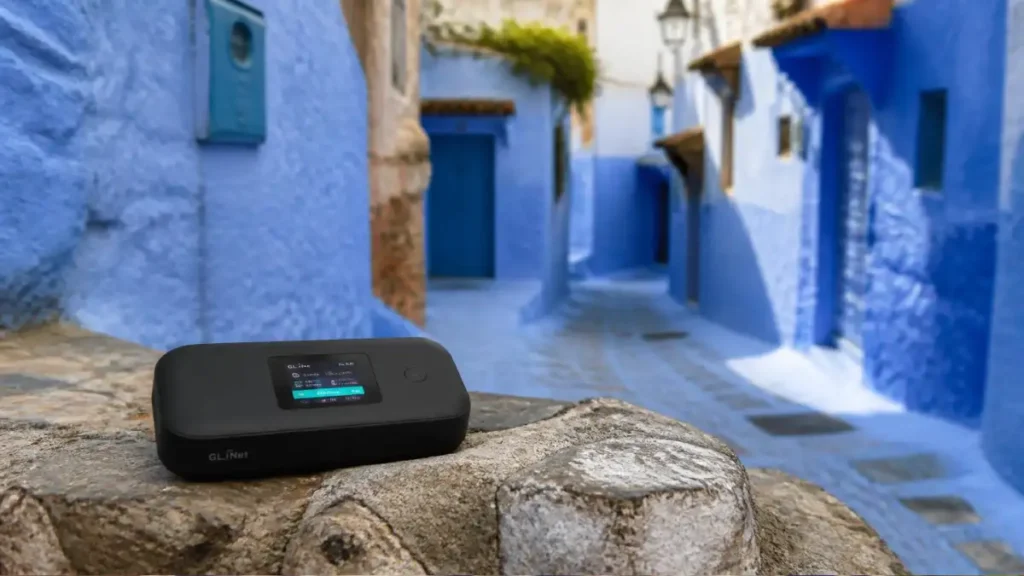
Below is a shortlist of travel routers that may suit different types of Morocco trips. I have compared their published specifications and features, but I have not personally tested every device listed here in Morocco. Before buying, check the exact model’s compatibility with the Moroccan SIM and mobile network you plan to use.
1. GlocalMe G4 Pro 4G Mobile Hotspot
Why it stands out: According to the official GlocalMe G4 Pro specifications, the G4 Pro is a 4G LTE travel hotspot that can connect through GlocalMe’s Cloud SIM service without requiring a physical SIM. It also has a nano-SIM slot if you prefer to use a Moroccan prepaid SIM.
- Battery: 3,900 mAh, with more than 12 hours of stated operating time.
- Connections: Up to 10 devices.
- Mobile data: Up to 150 Mbps download and 50 Mbps upload under supported network conditions.
- Best for: Travelers visiting multiple countries who value the convenience of a Cloud SIM, while still having the option to use a local Moroccan SIM.
I have not personally tested the G4 Pro in Morocco, so treat these as manufacturer specifications rather than measured Morocco performance.
2. TP-Link TL-MR6400 4G LTE Router
Why it stands out: According to the official TP-Link TL-MR6400 specifications, the TL-MR6400 is better thought of as a compact plug-in 4G router than a pocket Wi-Fi hotspot. Insert a compatible SIM card, connect it to power and it can share the mobile connection with multiple phones, laptops and tablets.
- Mobile data: Up to 150 Mbps download and 50 Mbps upload under supported 4G LTE network conditions.
- Wi-Fi: Up to 300 Mbps on the 2.4 GHz band.
- Connections: Up to 32 Wi-Fi devices.
- Power: Requires an external power supply. It does not have the built-in battery you would expect from a conventional portable hotspot.
- Antennas: Antenna design varies by hardware revision and regional version. Some TL-MR6400 versions use two detachable external 4G LTE antennas, while others use internal LTE antennas.
- Best for: Longer stays in a riad, apartment, villa or other accommodation where you want to share one Moroccan SIM connection across several devices.
TP-Link has released several hardware revisions of the TL-MR6400, so check the exact version, SIM-card size and supported LTE bands before buying.
3. NETGEAR Nighthawk M5 5G WiFi 6 Mobile Router
Why it stands out: The Nighthawk M5 is a higher-end mobile router combining 5G connectivity with WiFi 6. It can work as a portable hotspot while traveling or as a temporary internet connection in accommodation.
- Connections: Up to 32 WiFi devices.
- Battery: 5,040 mAh removable battery, rated by NETGEAR for up to 13 hours of use per charge.
- WiFi: Dual-band WiFi 6 on 2.4 GHz and 5 GHz.
- Wired connection: Includes a 1 Gbps Ethernet port, which can be useful for connecting a laptop or another router.
- SIM: Unlocked versions accept a nano-SIM.
- Best for: Travelers who need to connect several devices, work remotely or want a more capable hotspot than a basic 4G travel router.
The M5 exists in different regional versions, so check the exact model number, supported mobile bands and compatibility with the Moroccan network and SIM you intend to use before buying.
I have not personally tested the Nighthawk M5 in Morocco, so these are manufacturer specifications rather than measured Morocco performance.
4. Solis Pro 5G Mobile Hotspot
Why it stands out: The Solis Pro 5G is designed for international travelers who prefer a hotspot that can connect through Solis’s virtual-SIM and multi-carrier system rather than buying and swapping physical SIM cards in every country.
- Connectivity: Supports 5G and 4G LTE through Solis’s multi-carrier service.
- Battery: Built-in 8,000 mAh power bank, with up to 48 hours of stated hotspot battery life.
- Connections: Up to 20 devices.
- Coverage: Solis advertises service across more than 140 countries through its global network and data plans.
- Best for: Multi-country travelers, families or remote workers who value convenience and want one hotspot that can continue working across different destinations.
The Solis Pro 5G can use Solis’s virtual-SIM and multi-carrier service, but it also includes a Nano-SIM option. If you plan to use a Moroccan prepaid SIM instead of a Solis data plan, check the exact device version, supported mobile bands and compatibility with the Moroccan operator you intend to use before your trip.
I have not personally tested the Solis Pro 5G in Morocco, so these are manufacturer specifications rather than measured Morocco performance.
5. TP-Link M7350 4G LTE Mobile Wi-Fi
Why it stands out: The M7350 is a straightforward portable 4G hotspot that works with a compatible SIM card and can share the connection with phones, tablets and laptops while you travel.
- Mobile data: Up to 150 Mbps download and 50 Mbps upload under supported 4G LTE network conditions.
- Connections: Up to 10 devices simultaneously.
- Battery: Current TP-Link Morocco documentation for the V5 version lists a 2,000 mAh battery with up to around 8 hours of operation. Other hardware revisions may use different battery capacities.
- Wi-Fi: Supports 2.4 GHz Wi-Fi on the current Morocco V5 specification.
- Display: Includes a screen showing useful information such as network type, signal strength, battery level and data usage.
- Best for: Solo travelers, couples or small groups who want a simple portable hotspot for use with a Moroccan prepaid SIM without paying for a high-end 5G router.
TP-Link has released several versions of the M7350, so check the exact hardware revision, supported LTE bands and SIM requirements before buying.
I have not personally tested the M7350 in Morocco, so the technical details above are based on TP-Link’s published specifications rather than measured Morocco performance.
Pairing Your Router with the Right Moroccan SIM
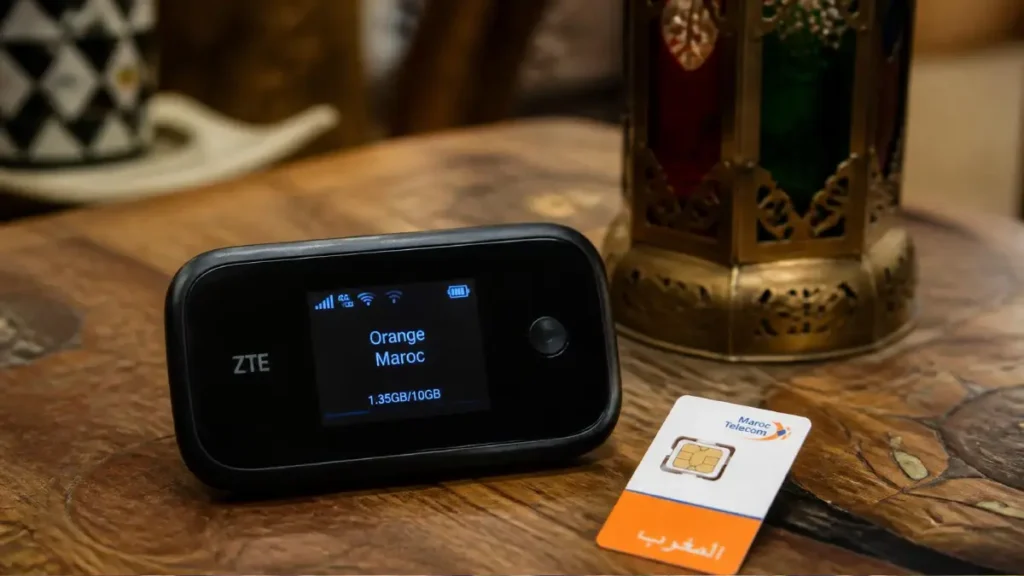
For most unlocked travel routers, the simplest option in Morocco is to insert a local prepaid SIM from Maroc Telecom, Orange or inwi.
A normal single-SIM router stays on the network of the SIM you insert. It does not automatically jump between Maroc Telecom, Orange and inwi simply because another operator has a stronger signal. Multi-network switching is mainly a feature of certain Cloud SIM or international hotspot services.
Which Moroccan operator is best depends on where you are traveling, so I recommend choosing the SIM based on your route rather than assuming one network is always fastest everywhere.
For a detailed comparison of Maroc Telecom, Orange and inwi, including which one may suit city trips, remote travel and heavy data use, see my Best SIM Card in Morocco guide.
After buying the SIM, activate a suitable data package and insert it into your router according to the device manufacturer’s instructions. Data-pack prices and allowances change, so check the current operator offer rather than relying on an old fixed price.
If your phone supports eSIM and you prefer to have mobile data ready before arriving in Morocco, see my separate eSIM Morocco guide. An eSIM for your phone is separate from the SIM or data service used by most travel routers, so do not assume an eSIM plan will work directly in your router unless the exact router model supports eSIM.
Practical Tips for Staying Connected While Traveling
Improve Signal Placement in Remote Areas
Mobile coverage can become weaker or inconsistent in parts of the Atlas Mountains, Sahara and other remote areas.
Before buying extra antenna equipment, first try simple positioning: place the router near a window, move it to a higher position, and keep it away from thick walls or other objects that may interfere with the signal.
Some routers support external antennas, but the connector type and compatibility depend on the exact model and hardware revision. Check the manufacturer’s specifications before buying an antenna or adapter.
For remote routes, I also recommend downloading offline maps before leaving an area with reliable coverage.
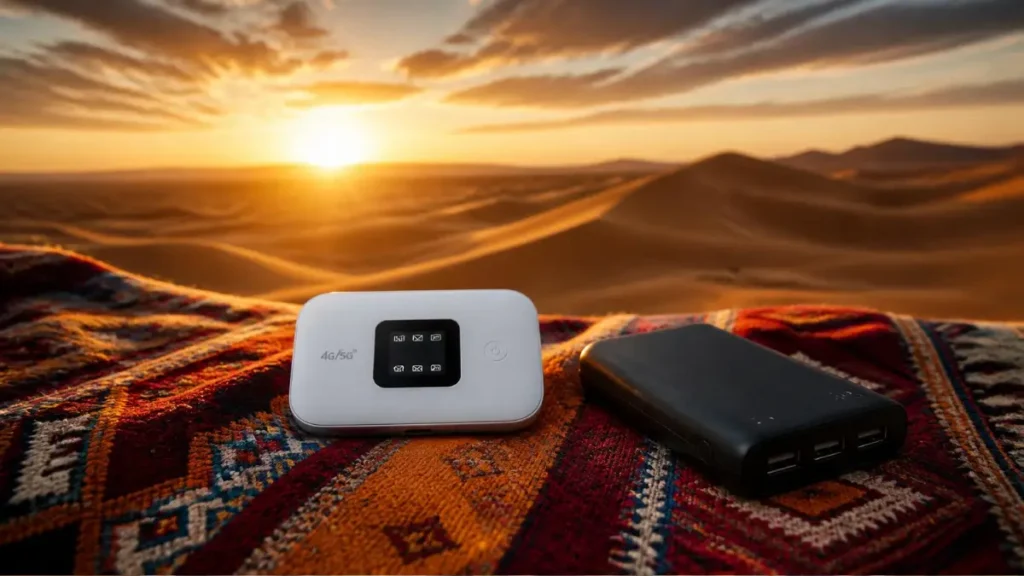
Keep a Power Bank Handy
A 20,000 mAh power bank can significantly extend your travel router’s battery life during long travel days or remote journeys. Actual extra runtime depends on the router, its power consumption, signal conditions and the power bank’s charging efficiency.
Choose a power bank with an output that matches your router’s charging requirements, and carry the appropriate USB-C or other charging cable for your exact model.
Secure Your Network
Change the router’s default Wi-Fi password and, if possible, its administrator password before using it on your trip. Use WPA3 security if your router and devices support it, or WPA2/WPA3 mode where available.
Disable WPS if the router provides that option, and keep the router’s firmware updated. These settings help protect your own travel-router network from unauthorized access.
Switch Off Data When Not Needed
If you are staying somewhere with reliable Wi-Fi, you can disconnect or switch off your travel router when you do not need mobile data. This can help preserve both your prepaid data allowance and the battery on portable models.
The available controls vary by router, so check your model’s app, web interface or physical controls for options to disconnect mobile data or power the device off.
Backup Plan: Local Wi‑Fi Cafés
If your mobile connection is unreliable, cafés, coworking spaces and your accommodation can provide a useful backup Wi-Fi connection in many Moroccan towns and cities.
Before relying on public Wi-Fi, confirm the correct network name with the staff and keep offline maps and essential travel information saved on your phone for times when neither mobile data nor Wi-Fi is available.
Packing the Right Gear – What to Add to Your Morocco Packing List
A travel router is only one part of your Morocco tech setup. You may also want a power bank, the correct charging cables and a suitable travel adapter, especially if your itinerary includes long road days or overnight stays in the Sahara or Atlas Mountains.
For the rest of your clothing, footwear, luggage and travel essentials, see my complete Morocco Packing List 2026.
Cost Comparison: Travel Router vs Phone Hotspot
A dedicated travel router costs more upfront than simply using your phone as a hotspot, but the better choice depends on how many devices you have, how long you are staying and whether your home mobile plan includes affordable roaming in Morocco.
A phone hotspot makes sense when:
- You are traveling alone.
- You only need to connect one laptop or tablet occasionally.
- Your phone already has an affordable Morocco roaming package or eSIM.
- You want to avoid carrying and charging another device.
A travel router makes more sense when:
- Several people need to share one mobile-data connection for extended periods without relying on one person’s phone as the hotspot.
- You are connecting several phones, laptops or tablets.
- You expect to share mobile data with laptops, tablets or other devices regularly during a longer stay.
- You work remotely and want to keep your phone free for calls and messaging.
- You want to use a Moroccan prepaid SIM across several devices.
For many groups and longer trips, sharing one Moroccan SIM through a router can be more economical than paying separate roaming charges on several phones.
However, router prices, Moroccan data packages and international roaming rates change regularly. Compare the current cost of the router, your home carrier’s Morocco roaming offer and the latest local SIM or eSIM plans before deciding.
Where to Buy a Travel Router for Morocco
If you want a travel router for Morocco, I recommend buying it before your trip when possible. This gives you time to check the exact model, hardware revision, SIM compatibility and supported mobile bands before you arrive.
If you prefer to buy after arriving in Morocco, check established electronics retailers and specialist computer or mobile-phone shops in larger cities such as Casablanca, Rabat and Marrakech. Stock changes frequently, so do not assume that a particular router model will be available locally.
Before buying, check:
- The exact model and hardware revision
- Whether the router is SIM-unlocked
- Supported 4G and 5G bands
- SIM-card size
- Battery and charging requirements
- Warranty coverage in Morocco
- Whether the device works with the Moroccan operator you plan to use
For models such as the TP-Link M7350, TP-Link maintains a dedicated Morocco product and support page, which can help you confirm the specifications of the version available locally.
If ordering internationally, check the seller’s shipping policy, import charges, warranty terms and return options before paying. These can vary considerably by retailer and destination.
Final Thoughts – Stay Connected, Stay Free
Morocco’s landscape is diverse, and staying connected shouldn’t limit where you go. A reliable travel router or portable Wi-Fi hotspot can make it easier to stay online as you move between cities, the coast, the Atlas Mountains and the Sahara. Pair the right router with a compatible Moroccan SIM or data service, keep a power bank handy, and you’ll have a practical connection for navigation, communication and everyday travel needs.
Ready to plan the rest of your itinerary? Check out my guide on Getting Around Morocco in 2026 for transport tips, or dive into the Best SIM Card Morocco 2026 article to compare data packages side by side.
Safe travels, and may your signal always be strong!
FAQ: Pocket WiFi and Travel Routers for Morocco
Do I need a separate data plan for a travel router, or can I use my home carrier’s roaming?
A travel router needs its own mobile-data connection. If your router is unlocked and compatible, you can use a SIM from your home carrier with an active Morocco roaming plan, or insert a compatible Moroccan prepaid SIM.
Some international hotspots, such as Cloud SIM devices, use their own data plans instead of a physical Moroccan SIM. Compare your carrier’s current roaming rates with local SIM and hotspot data-plan prices before deciding which option is best for your trip.
Can a travel router work with both 4G and 5G networks in Morocco?
Yes, but only if the router itself supports both 4G LTE and 5G and is compatible with the network you are using in Morocco. Models such as the NETGEAR Nighthawk M5 and Solis Pro 5G are 5G-capable, while the GlocalMe G4 Pro is a 4G LTE device.
Even with a 5G router, you should expect it to use 4G when 5G is unavailable. Always check the exact model and regional version for compatibility with the Moroccan network you plan to use.
How many devices can I connect simultaneously?
The number of devices depends on the router. The GlocalMe G4 Pro and TP-Link M7350 support up to 10 connected devices, the Solis Pro 5G supports up to 20, and the TP-Link TL-MR6400 supports up to 32 Wi-Fi devices.
Keep in mind that connecting more devices means they all share the available mobile-data connection, so actual performance will depend on network coverage, signal strength and what each device is doing online.
Is it safe to use public Wi‑Fi in Moroccan cafés?
Public Wi-Fi in Moroccan cafés can be convenient, but check that you are connecting to the café’s genuine network and use websites and apps with encrypted connections.
Keep your phone or laptop updated, use strong passwords and two-factor authentication for important accounts, and avoid entering sensitive information on unfamiliar websites. If you are carrying your own travel router with a Moroccan SIM or trusted data service, using your private connection is a good alternative when you want more control over the network you are connected to.
What should I do if I lose signal in a remote area?
First, try repositioning the router near a window or in a higher, more open location. In the Atlas Mountains, Sahara and other remote parts of Morocco, mobile coverage can vary considerably even over short distances.
If you have an unlocked router and another compatible Moroccan SIM available, you can also try a different mobile operator. Some routers support external antennas, but check the exact model and connector compatibility before buying or attaching one.
For remote journeys, always download offline maps before leaving an area with reliable coverage so you can still navigate if mobile service disappears completely.